

Alternatives to AI Content Shield
AI Content Shield blocks AI content across YouTube, social feeds, and search, continuously refining your private, on-device browsing experience.
Explore 20 alternatives to AI Content Shield. Compare features, pricing, and find the best fit for your needs.
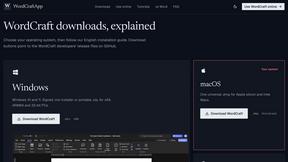
WordCraft
Free, open-source word processor for private browser and offline writing on every major desktop platform.
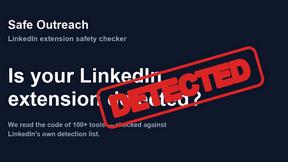
Safe Outreach
AI-powered platform that evaluates the safety of LinkedIn automation tools and helps reduce the risk of account restrictions.
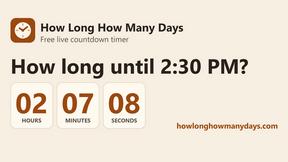
How Long How Many Tool
Timers and hourly checks to figure how out long until a certain time or how many days away.

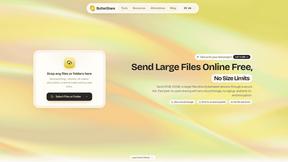
ButterShare
Send files straight between two browsers with a 6-digit key. No signup, no install, nothing stored on a server.
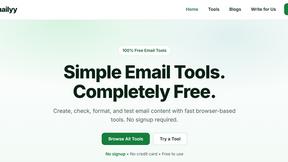
Emailyy
Free email tools for signatures, subject lines, HTML previews, word counts, and email headers. Browser-based, simple to use, and no signup required.
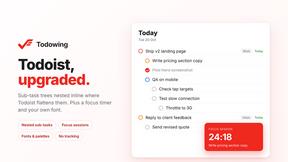
Todowing
Chrome extension that shows Todoist sub-tasks nested inline in Today, Upcoming, and Filter views. Free tier, $19.99 one-time unlock.
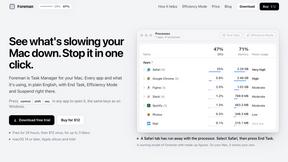
Foreman
See every app and what it's using in plain English, and end or slow down the one that's hogging your Mac.

Uniclip
Clip pages, take full-page screenshots and batch-capture list data to Notion, Feishu, Obsidian, Markdown, CSV or JSON.
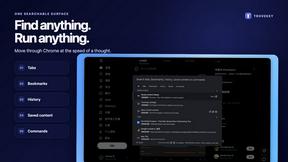
TroveKey
Search tabs, Chrome bookmarks and history, run browser commands, and save webpages and social posts locally—no account.
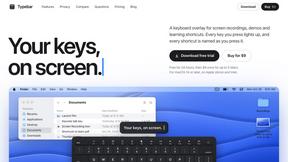
Typebar
Every key you press lights up on an on-screen keyboard, and each shortcut is named as you press it.
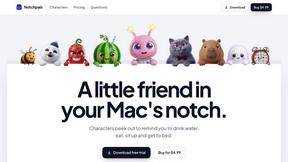
Notchpals
Little characters peek out of your Mac's notch to remind you to drink water, eat, sit up and get to bed. Quiet during calls. $4.99 once.

LightScreen
Free fullscreen light screen tool online. Turn any display into a flashlight, ambient light, or solid-color screen. No download or sign-up.
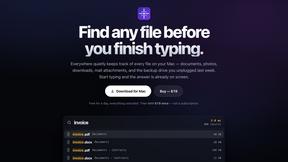
Everywhere
Fast file search for the Mac. Results as you type, files inside Mail and Photos, works with Wi-Fi off. $19 once.
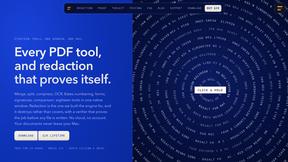
Basalt
Eighteen PDF tools in one native Mac window: merge, split, compress, OCR, Bates numbering, forms, signing and redaction. Offline. $29 once.
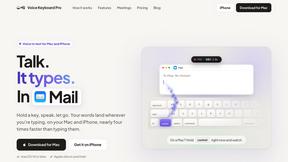
Voice Keyboard Pro
Hold a key, say what you mean, let go. Clean, punctuated text lands at the cursor in any app on your Mac or iPhone.
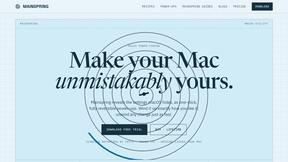
Mainspring
Mainspring turns the settings macOS hides into 90+ one-click, fully reversible power-ups for Finder, Dock, screenshots and more. $29 once.
About AI Content Shield Alternatives
AI Content Shield is a specialized productivity tool designed to help users reclaim their digital experience by blocking and detecting AI-generated content across the web. It falls squarely within the Productivity & Management category, acting as a personal filter that removes everything from Google AI Overviews and AI-generated YouTube videos to AI posts on social media platforms like TikTok, X, and Instagram. Users commonly seek alternatives due to specific needs such as a different pricing structure, a desire for cross-platform compatibility with browsers not yet supported, or a need for more granular control over what types of AI content are filtered. Others may look for alternatives if they require features like team-based management or deeper integration with enterprise software that this tool does not offer. When evaluating an alternative, you should prioritize on-device privacy to ensure your browsing data remains secure and local. Look for a solution that offers a comprehensive block list covering search engines, social media, and video platforms, as well as real-time blocking statistics so you can measure its impact. The ability to customize rules, such as blocking specific YouTube channels or filtering AI text in emails and news sites, is also critical for a tailored experience. Ultimately, the best choice will balance robust AI detection with a lightweight, non-intrusive interface that continuously improves its filtering capabilities as AI content evolves.
FAQs about AI Content Shield Alternatives
What is AI Content Shield?
AI Content Shield is a browser-based privacy and productivity tool that blocks and detects AI-generated content across the web. It operates entirely on-device to keep your data private while automatically filtering out AI overviews on search engines, AI-generated videos on YouTube, and AI posts on social media platforms like TikTok, X, and Instagram. The tool is designed to help users save time by only displaying content that is real and worth their attention.
Who is AI Content Shield for?
AI Content Shield is ideal for anyone who wants to reduce exposure to AI-generated content online, including researchers, journalists, students, and everyday users who value authentic human-created media. It is particularly useful for individuals who find AI overviews on search engines or AI-generated recommendations on YouTube distracting or untrustworthy. The tool is also a strong fit for privacy-conscious users who prefer on-device processing over cloud-based solutions.
Is AI Content Shield free?
AI Content Shield offers a free tier with essential features that block AI-generated YouTube videos, Shorts, recommendations, and music channels. It also hides Google AI Overviews, AI Mode, and AI answers on Bing and DuckDuckGo, and filters AI content across major social media platforms. For advanced functionality, such as AI voice detection on YouTube and Instagram, custom YouTube channel blocking, and LinkedIn or Gmail AI text filtering, users can upgrade to the PRO version.
Is AI Content Shield secure?
Yes, AI Content Shield is designed with privacy and security as core principles. All AI detection and blocking processes happen locally on your device, meaning no browsing data or content is sent to external servers. This on-device approach ensures that your online activity remains private and secure while still providing real-time blocking statistics and customizable filters.