
GemQuote
GemQuote helps independent bench jewellers price custom work with live metal costs, branded client quotes and workshop handoffs.

101 listings
GemQuote helps independent bench jewellers price custom work with live metal costs, branded client quotes and workshop handoffs.
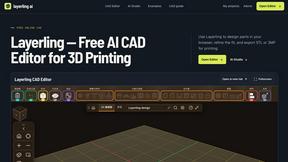
Layerling is a browser-based CAD tool for designing 3D printed enclosures and custom parts, with AI-assisted modeling and STL, 3MF, and STEP exports.

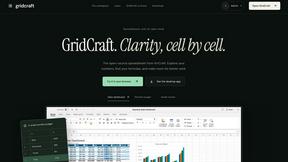
GridCraft is an open-source spreadsheet for exploring formulas, charts and PivotTables in XLSX workbooks on desktop or in a browser.
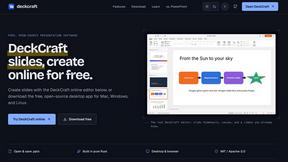
DeckCraft is an open-source slide editor for creating presentations online or on desktop, with .pptx support and no subscription.


CyberScore offers small businesses a free domain security check covering email protections, website configuration and exposed services.
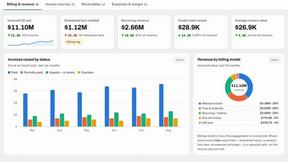
CrmLeaf combines CRM, project delivery, time tracking, resource planning, and billing for professional services teams managing client work.

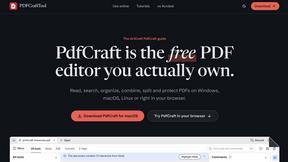
PdfCraft is a free PDF editor with offline desktop apps and a browser build that processes documents locally on your device.

Uncensored AI is a browser image studio for prompt and reference-based creation, with credit estimates shown before each task.
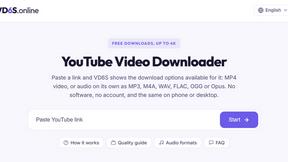
VD6S.online is a free browser-based YouTube downloader for saving available videos as MP4 or extracting audio in eight formats.
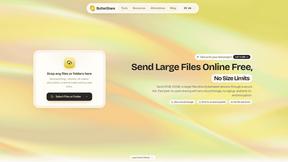
ButterShare lets teams send large files browser to browser, with free encrypted live transfers and optional links for offline delivery.

A GTA 6 cheat-code preview that lays out expected controller, PC and phone inputs while distinguishing unconfirmed entries from verified codes.
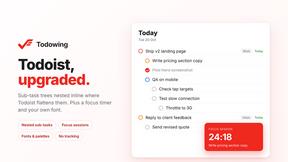
Todowing brings focus sessions, task estimates, notes, subtasks and read-only Apple Calendar events into Todoist's Today view in Chrome.
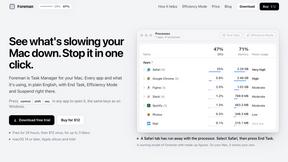
Foreman is a Mac task manager for diagnosing resource use, managing startup items, and keeping background apps under control.
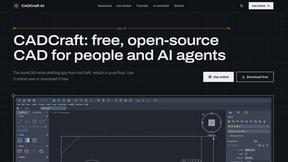
CADCraft is a free, open-source 2D drafting app with an AutoCAD-style workflow, browser access and built-in tools for AI-assisted automation.
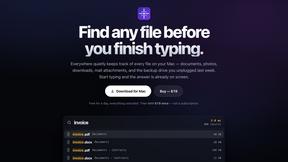
Everywhere helps Mac users retrieve local files with a keyboard-first search window, flexible filters, and an index stored on the device.
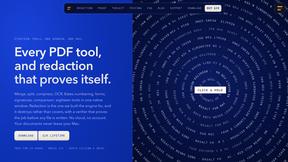
Basalt combines 19 PDF tools for Mac, including OCR, page organization and redaction that removes marked content and verifies each export.
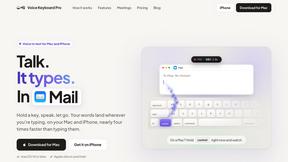
Voice Keyboard Pro turns speech into punctuated text at the cursor in Mac and iPhone apps, with dictation, rewrite tools, and meeting summaries.
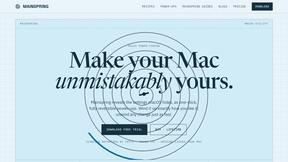
Mainspring gives Mac users one-click access to 90+ hidden macOS settings, with reversible tweaks, preset recipes, and context-aware scenes.
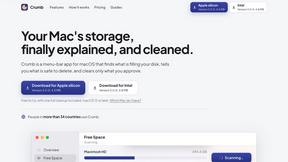
Crumb is a Mac storage app for finding reclaimable files, reviewing cleanup plans and removing only approved items.
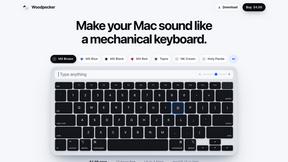
Woodpecker adds 22 recorded mechanical switch sounds to Mac typing, with adjustable tone and room character plus automatic muting in key contexts.

A Mac note app for fast capture in the notch, with templates, tables, search and local-first note storage.
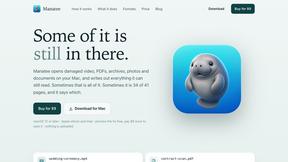
Manatee is a Mac file utility that repairs damaged files, converts formats, targets upload size limits and removes metadata locally.

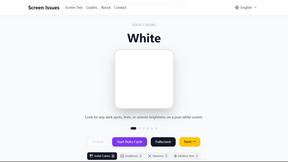
Screen Issues combines a free browser-based screen test with practical guides for identifying common display defects on phones and computers.

CalcAhead is a free calculator catalog for everyday decisions, with searchable tools and explained results across several practical categories.
SightRadar is a face recognition API for event and photo platforms, with selfie search, configurable match scores, and per-photo billing.

Home Agent Guru summarizes a home's price, listing history and nearby comparables to help buyers gauge possible negotiating room before an offer.
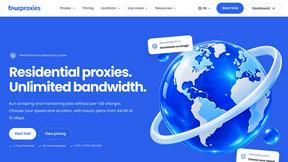
TrueProxies supplies residential and static ISP proxy plans for web scraping, market research, SEO monitoring, and other location-sensitive tasks.
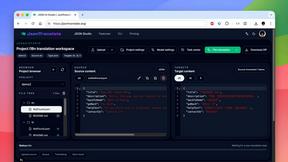
JsonTranslate helps product teams translate JSON and text files while preserving keys, paths, and project structure.
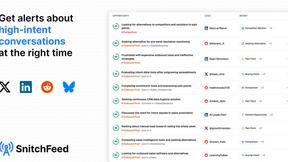
SnitchFeed surfaces scored buyer and competitor conversations from Reddit, LinkedIn, X, Bluesky, and Hacker News.
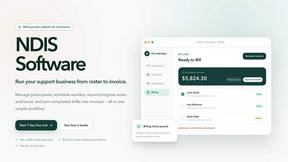
ProviderOps links NDIS rosters, shift notes and billing so small Australian providers can turn completed support work into invoices and claim files.


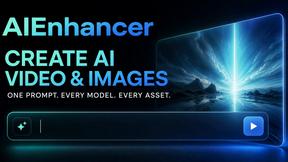
Create images, edit and restore photos, and generate short videos with multiple models and tools in one workspace.

Partnac helps brands run affiliate, influencer and referral programs with campaign management, partner matching, performance tracking and payouts.
Software category features a broad range of desktop applications, web-based tools, and SaaS platforms that serve general business and professional needs. This category includes office productivity suites, communication platforms, file management tools, system utilities, and cross-functional business software that does not fit neatly into more specialized categories.
Whether you are looking for a comprehensive office suite, a reliable file sharing solution, a team communication platform, or general-purpose business software, this category provides a broad view of the software landscape for professionals and organizations.
Compare software tools by their functionality, platform support, integration capabilities, licensing models, and pricing to find the right solutions for your professional and business needs.
This category includes office productivity suites, communication platforms, file management tools, system utilities, backup solutions, PDF tools, screen recording software, remote desktop applications, and other general-purpose business software.
This category covers general-purpose software that serves broad professional needs and may not fit into more specialized categories like marketing, design, or development. Tools here typically serve multiple use cases across different departments.
Most tools support Windows, macOS, and web browsers. Many also offer mobile apps for iOS and Android. Cloud-based solutions work across all platforms through web browsers. Check individual listings for specific platform support.
Yes. Many software tools in this category include collaboration features like shared workspaces, real-time editing, permission management, and communication features designed for team environments.
Common models include monthly or annual subscriptions, per-user pricing, one-time purchases with perpetual licenses, and open-source free options. Some tools offer volume licensing discounts for organizations.
Yes. Many categories have open-source or free alternatives that provide core functionality. While they may lack some premium features, free tools are often sufficient for personal use and small teams.