
Learniverse
Learniverse transforms your documents into engaging training courses in minutes, simplifying knowledge sharing for busy.
Visit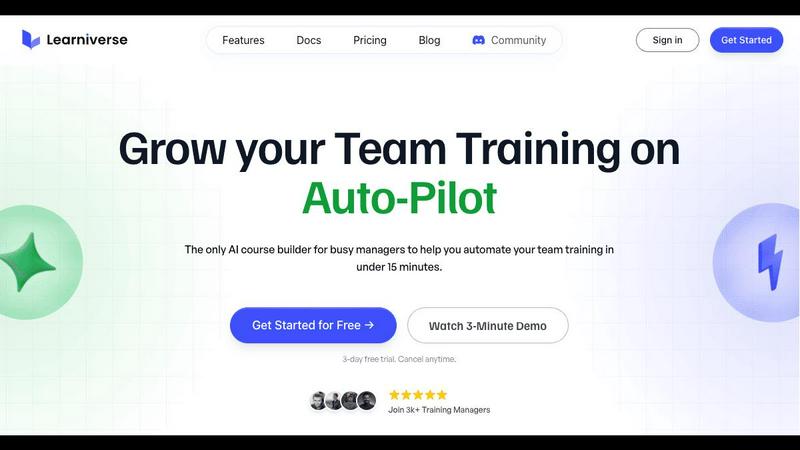
About Learniverse
Learniverse is a groundbreaking AI-powered training platform designed specifically for busy teams and training managers. Its primary goal is to simplify and streamline the process of creating and managing training programs, allowing organizations to scale effective learning without the traditional complexities. By converting scattered knowledge—such as Google Docs, PDFs, videos, and meeting recordings—into a cohesive and branded learning academy in just minutes, Learniverse saves valuable time and resources. The platform eliminates the tedious manual course creation process, inconsistent training materials, and the reliance on cumbersome spreadsheets for tracking progress. With a smart conversational AI assistant, Learniverse automates the structuring of content, generation of interactive lessons, and incorporation of assessments, ensuring a dynamic and evolving training experience. This means your academy remains current and engaging, all delivered through a polished portal that reflects your brand identity, empowering your team to focus on what matters most.
Features of Learniverse
Effortless Course Creation
Learniverse enables users to upload various types of content such as PDFs, videos, and recordings, transforming them into interactive lessons with minimal effort. This feature significantly reduces the time and labor involved in manual course creation.
AI-Powered Structuring
The platform's intelligent AI assistant automatically structures uploaded content into engaging courses, complete with quizzes and progress tracking. This ensures that training materials are not only consistent but also captivating for learners.
Custom Branded Portals
With Learniverse, organizations can launch a professional training portal that showcases their brand colors, logos, and domains. This customization helps create a polished experience for users, making training feel relevant and contemporary.
Progress Tracking and Analytics
Learniverse allows training managers to monitor progress, engagement, and assessment results through a comprehensive dashboard. This feature provides insights into who has completed training, identifies areas where learners struggle, and highlights overdue tasks.
Use Cases of Learniverse
Onboarding New Employees
Learniverse can streamline the onboarding process for new hires by consolidating essential training materials into engaging courses. New employees can quickly get up to speed with company policies, procedures, and culture in a structured manner.
Continuous Skill Development
Organizations can leverage Learniverse to provide ongoing training and skill development for their existing teams. By regularly updating courses with new content, teams can ensure they remain proficient and informed in their respective fields.
Compliance Training
For industries that require regular compliance training, Learniverse simplifies the process by allowing organizations to create and update compliance courses quickly. This ensures that all employees are informed of the latest regulations and policies, reducing the risk of non-compliance.
Knowledge Sharing Across Teams
Learniverse fosters collaboration and knowledge sharing by enabling teams to contribute to the training content. This feature encourages a culture of continuous improvement and allows for the collective expertise of the organization to be harnessed.
Frequently Asked Questions
What types of content can I upload to Learniverse?
You can upload various content formats including PDFs, videos, audio recordings, Google Docs, and SOPs. Learniverse will automatically transform this content into interactive training modules.
How does the AI assistant work in Learniverse?
The AI assistant helps automate the course creation process by structuring uploaded content into engaging lessons, generating quizzes, and tracking learner progress. This significantly reduces manual effort for training managers.
Can I customize my training portal?
Yes, Learniverse allows for extensive customization of your training portal. You can incorporate your brand colors, logos, and even customize the domain to create a professional and branded learning experience.
Is there a free trial available for Learniverse?
Absolutely! Learniverse offers a 7-day free trial, allowing you to explore the platform's features and capabilities without any financial commitment. You can easily cancel if it does not meet your needs.
Explore more in this category:
Similar to Learniverse

Build Mode is a Mac app that turns focused sessions into visible progress, so you can see the work adding up before the results arrive.

Capture any workflow in your browser and export a branded, step-by-step SOP with screenshots. €5 per document, no subscription.

PerPageFax lets you send a fax online from any browser for a flat $0.50 per page — no account, no subscription, no fax machine.

Track staff & time. Free trial. Cloud/on-prem.

Free construction calculators with formulas, steps, and assumptions.

Plan, approve, publish, and report on social content across nine platforms in one workspace.

AI finds your lost links. Summarizes & tags URLs.

Follow news, blogs, newsletters, and podcasts in a free RSS reader, with AI summaries, top stories, full-text search, saved searches, and a catalog.