

Alternatives to Shrinkpad
Shrinkpad continuously optimizes your images and videos in bulk, saving you time and space with every use.
Explore 20 alternatives to Shrinkpad. Compare features, pricing, and find the best fit for your needs.
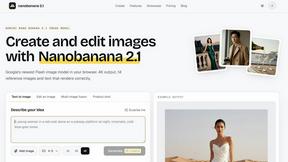
nanobanana 21
Fast, simple image creation and editing with accurate details, readable text, consistent characters, and up to 14 reference images.
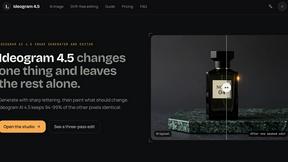
Ideogram 4.5
AI image generation and editing with precise typography, native 2K output, and localized edits.
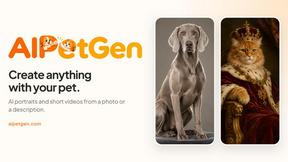
AIPetGen
AIPetGen turns a photo of your dog, cat, or other pet, or a written description, into a new picture or a short animation.
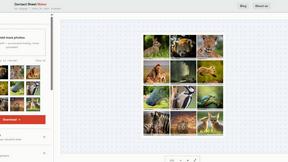
Contact Sheets Maker
Contact Sheet Maker is an online tool that allows photographers to create professional contact sheets and mood boards. It enables users to add waterma
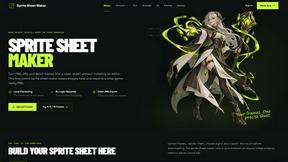
Sprite Sheet Maker
A free browser-based toolkit for creating, cutting, converting, and previewing sprite sheet animations.

FaceCoda
Free AI attractiveness test and face analysis with private, on-device photo processing.

AIEnhancer
Enhance photos, create images, and generate videos with AI workflows, effects, and production-tested models.

Video2URL
Turn videos, images, and files into secure direct links for sharing, embedding, and automated workflows.

AI Image Editor
Free AI image editor that edits, retouches, and transforms photos with natural-language text prompts.

GPT Image 2 API
GPT Image 2 API generates and edits production-ready images with clear text, reference images, and developer-friendly API workflows.
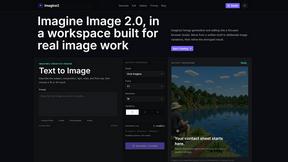
Imagine2
Private browser-based AI image generation and editing with text-to-image, targeted edits, and multi-image references.

Kogashitsuka AI
An online AI image tool that enhances photos and illustrations at their original size or upscales them by 2x or 4x.


StopScroll
StopScroll is an AI thumbnail maker that generates, compares, and helps creators pick stronger cover images before publishing.

IsThisAIImage
Ask is this AI image? Free online checker: upload a photo for AI-generated and deepfake scores plus a clear verdict band.
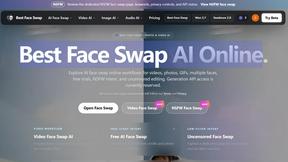
Best Face Swap
Swap faces in photos and videos with Best Face Swap's evolving AI workflows for video, free trials, and NSFW intent.
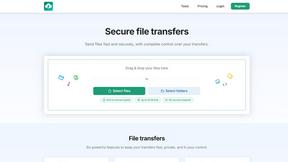
HypeShare
HypeShare lets you send large files securely and fast without signup, improving your workflow with each transfer.

FoxRemake
FoxRemake is your ultimate hub for all things Star Fox 64 remake, featuring release details, gameplay insights, and visual comparisons.
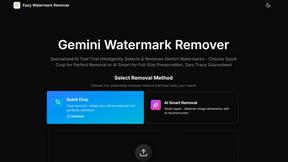
Easy Watermark Remover
Remove Gemini AI watermarks and SynthID instantly with crop or AI smart removal, no signup needed, for cleaner images every time.
About Shrinkpad Alternatives
Shrinkpad is a dedicated batch compression tool for macOS, operating within the image and video optimization category. It streamlines workflows by allowing users to process hundreds of files locally, ensuring privacy and significant storage savings without quality loss. Users often explore alternatives for various reasons, such as budget constraints, needing support for different operating systems, or seeking a different balance between advanced features and simplicity. The search for the right tool is a natural part of refining one's digital toolkit. When evaluating alternatives, consider core needs like platform compatibility, the range of supported formats, and the importance of local versus cloud processing. The goal is to find a solution that integrates seamlessly into your existing workflow, enabling continuous improvement in how you manage media assets.
FAQs about Shrinkpad Alternatives
What is Shrinkpad?
Shrinkpad is a powerful macOS application for batch compressing images and videos, processing files locally to reduce size by up to 90% without compromising visual quality.
Who is Shrinkpad for?
It is ideal for photographers, designers, and content creators on Mac who need to efficiently optimize large volumes of images and videos for storage or web use.
What are the main features of Shrinkpad?
Key features include batch compression for entire folders, local processing for privacy, support for over 50 media formats, and customizable quality settings.
Is Shrinkpad secure?
Yes, Shrinkpad prioritizes privacy by processing all files locally on your Mac using native frameworks, so your media never needs to be uploaded to the cloud.