
Mp3To
Convert over 30 audio formats instantly and securely in your browser with Mp3To, completely free and no uploads needed.
Visit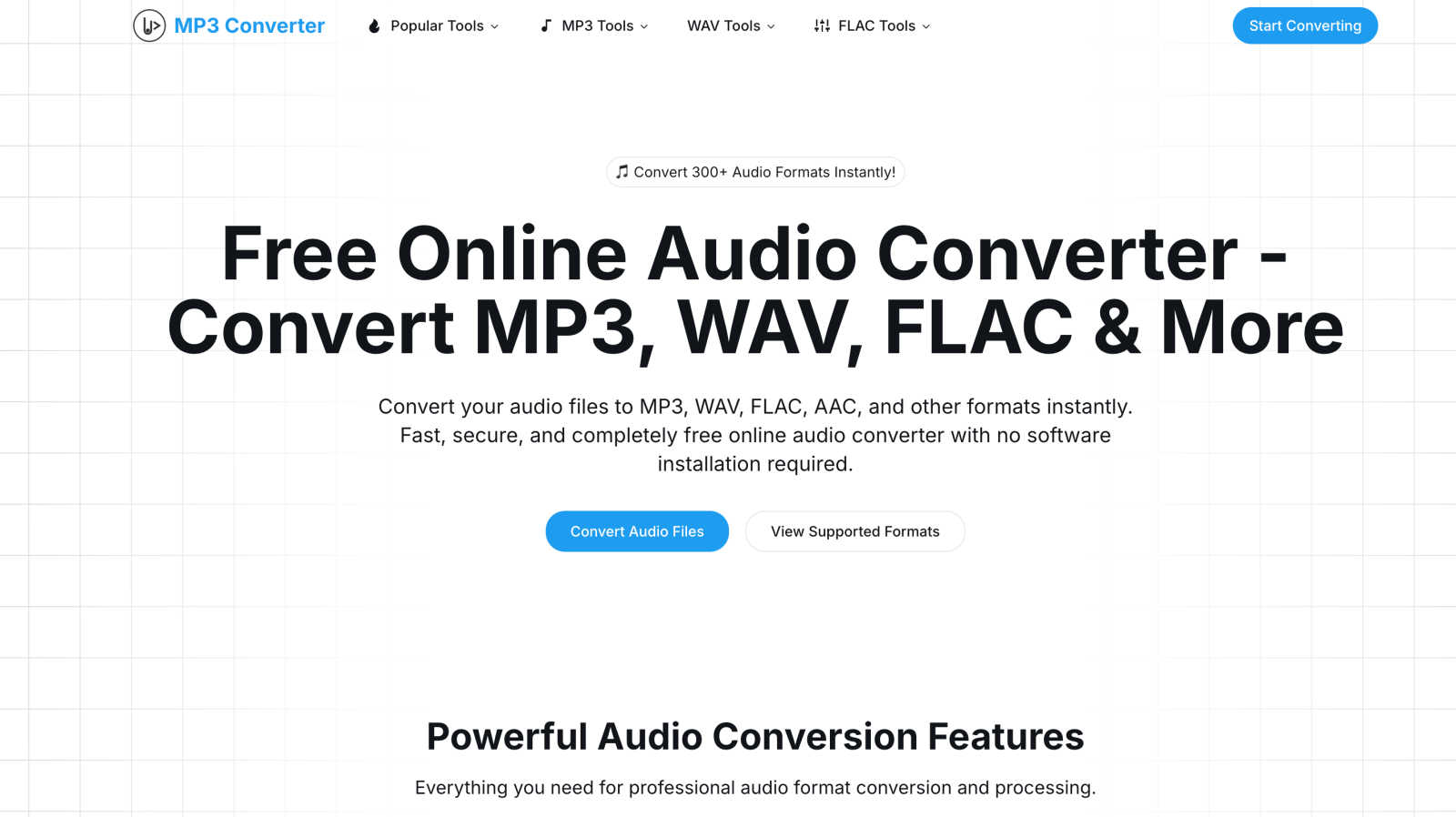
About Mp3To
Mp3To is a professional audio conversion platform designed to cater to the needs of audio enthusiasts, producers, and professionals. It operates as a seamless, browser-based solution that allows users to convert a wide array of audio formats, including MP3, WAV, FLAC, and over 300 other file types. This innovative platform prioritizes privacy and user experience, ensuring that all conversions occur locally within the browser, eliminating the need for file uploads. As a result, users can enjoy fast and secure audio conversion. Whether you are a musician preparing tracks for distribution, a podcaster publishing episodes, or someone needing to change the format of audio files for compatibility, Mp3To provides an efficient solution. Its value lies in extensive format support, high-quality conversion options, and a user-centric design, making it an indispensable tool for anyone involved in audio work.
Features of Mp3To
Privacy-First Approach
Mp3To prioritizes user privacy by ensuring that all audio processing occurs directly in your browser. Your files never leave your device, which means you can convert audio formats without the worry of data breaches or unauthorized access.
Lightning Fast Conversions
Powered by advanced technology such as FFmpeg.wasm, Mp3To delivers incredibly fast audio conversions. Users can enjoy instant results without the need for lengthy uploads, streamlining the entire conversion process and saving valuable time.
Extensive Format Support
With support for over 30 audio formats including MP3, WAV, FLAC, AAC, OGG, WMA, and M4A, Mp3To caters to a wide variety of user needs. This extensive compatibility makes it easy to convert audio files into the desired format for any project.
Batch Processing Capability
Mp3To allows users to convert multiple audio files simultaneously. This batch processing feature is designed to save time and effort, making it ideal for users who need to handle large volumes of audio files quickly and efficiently.
Use Cases of Mp3To
Musicians Preparing Tracks
Musicians can utilize Mp3To to convert their audio tracks into various formats required for distribution. Whether preparing songs for streaming platforms or creating high-quality files for CD production, Mp3To simplifies the process.
Podcasters Publishing Episodes
Podcasters can efficiently convert their recording files into the appropriate formats for publication. This ensures their episodes are compatible with various podcasting platforms, enhancing accessibility for their audience.
Video Content Creators
Video content creators can use the platform to extract audio from their video files. This feature allows them to create soundtracks or audio snippets from video content, adding versatility to their projects.
Everyday Users Reformatting Music
Everyday users looking to reformat their music collections can benefit from Mp3To. Whether converting files for compatibility with different devices or simply changing formats for personal preference, the tool offers an easy solution.
Frequently Asked Questions
Is the audio converter really free?
Yes, Mp3To is completely free to use. There are no registration requirements, limits on the number of conversions, or hidden costs involved in using the platform.
Are my files safe and private?
Absolutely. Mp3To ensures that all processing happens locally in your browser, meaning your files never leave your device. This guarantees both privacy and security throughout the conversion process.
What audio formats are supported?
Mp3To supports a wide range of audio formats, including but not limited to MP3, WAV, FLAC, AAC, OGG, WMA, and M4A. This extensive format support allows users to convert files as needed for various applications.
Is there a file size limit?
Mp3To does not impose specific file size limits, allowing users to convert files of various sizes without restrictions. This flexibility caters to both small and large audio projects seamlessly.
Explore more in this category:
Similar to Mp3To

Pixo is an AI video director that turns a prompt or script into a storyboard, consistent scenes, voiceover, and an edited final cut.

AI-native presentation and visual content platform that turns prompts, documents, images, videos, and data into polished, shareable decks.

AI storyboard and script tool that turns a screenplay into structured scenes, shot lists and boards in the browser.

Seedance 2.5 is a multimodal AI video generator by ByteDance for 30-second, high-fidelity cinematic video creation and AI video editing.


Create polished AI videos from text or images online with Seedance 2.5 Free.

Melodank turns your memories and special occasions into unique German or English songs you can preview and share as digital gifts.
