
freeconvert
FreeConvert effortlessly transforms your files locally in the browser, ensuring fast, secure, and private conversions.
Visit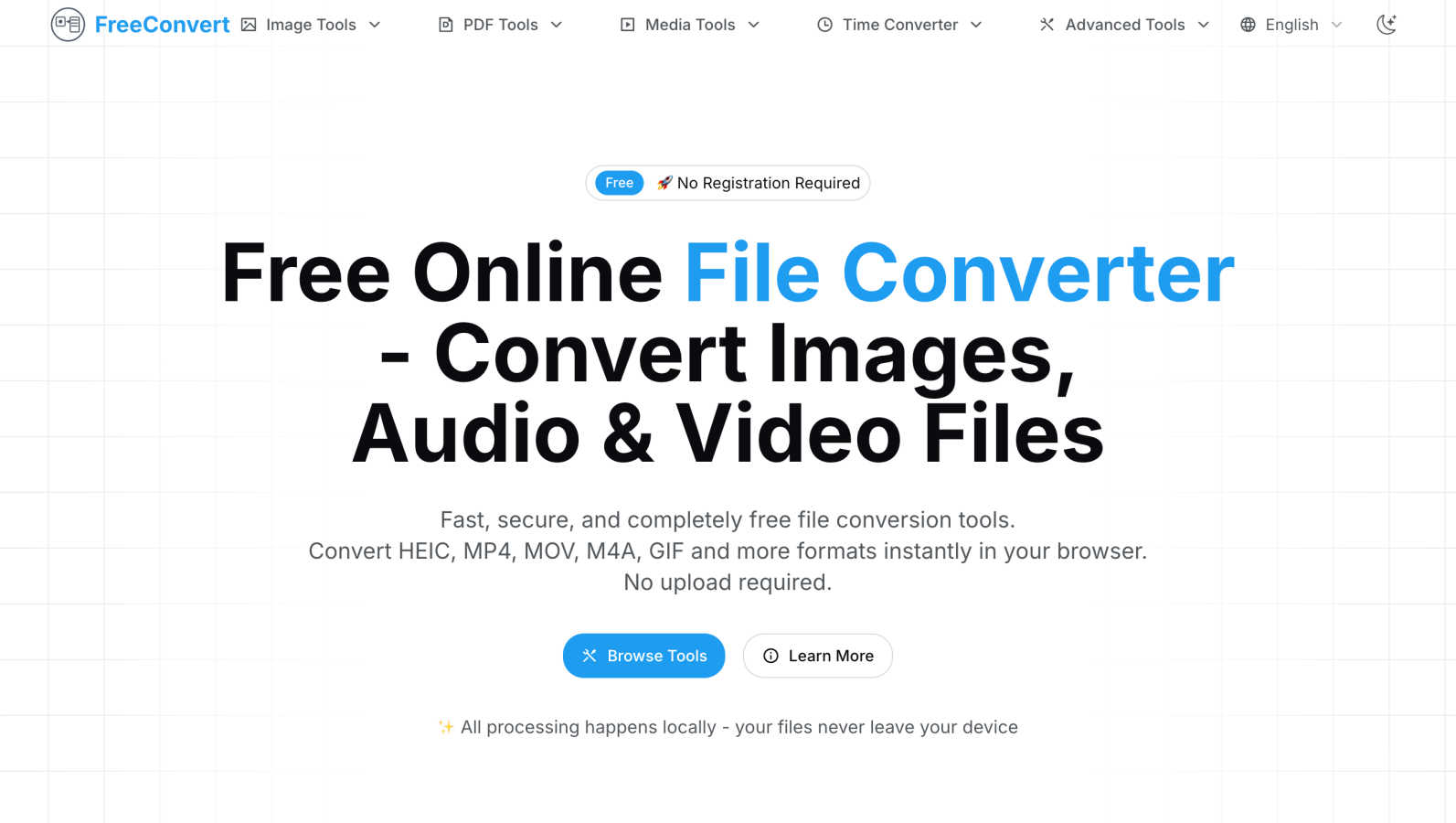
About freeconvert
FreeConvert is a groundbreaking online file conversion platform that prioritizes user privacy while delivering an extensive array of conversion tools suitable for various digital file types. Whether you are a student, professional, or a casual user, FreeConvert provides an intuitive and seamless experience for converting images, audio, video, PDFs, and time zone data, all directly within your web browser. Its unique local processing model ensures that your sensitive files remain on your device, completely eliminating the security risks associated with traditional cloud-based services. With no registration required and no hidden fees, FreeConvert offers fast, reliable, and completely free file conversions. The platform continuously evolves, adding new features and formats to meet the diverse needs of its users, while maintaining an unwavering commitment to privacy, speed, and accessibility.
Features of freeconvert
Local Processing
All conversions on FreeConvert take place locally in your browser. This means your files never leave your device, ensuring maximum security and privacy during the conversion process.
Fast Conversions
Utilizing modern web technologies, FreeConvert guarantees lightning-fast processing times for all file conversions. Users can expect instant results without the hassle of waiting, making it a highly efficient tool.
Batch Processing
FreeConvert supports batch processing, allowing users to convert multiple files simultaneously. This feature saves valuable time and streamlines workflows, particularly for users dealing with large sets of files.
Diverse Conversion Tools
The platform features a comprehensive suite of conversion tools for various media types, including image, audio, video, and PDF formats. Users can easily convert files such as MP4 to MP3 or HEIC to PDF, catering to their specific needs.
Use Cases of freeconvert
Students Converting Media for Projects
Students can use FreeConvert to quickly convert videos and audio files for school projects or presentations. With tools like MP4 to MP3 and GIF converters, they can access the right formats without complications.
Professionals Handling Corporate Documents
Professionals often need to convert PDF files for reports or presentations. FreeConvert’s PDF tools allow for seamless conversion between formats, ensuring documents are optimized for sharing and editing.
Creatives Editing Photos
Photographers and graphic designers can leverage FreeConvert’s image tools to convert HEIC images to more widely used formats like PNG or JPG. This enables them to work with files that are compatible with various software applications.
Everyday Users Managing Personal Files
Everyday users can benefit from FreeConvert by converting personal media files, such as turning videos into audio files for music playlists or converting images for social media sharing, all without worrying about privacy issues.
Frequently Asked Questions
Is FreeConvert really free to use?
Yes, FreeConvert is completely free. There are no hidden fees, registration requirements, or watermarks, allowing users to access professional-grade conversion tools without any cost.
How does FreeConvert ensure my privacy?
FreeConvert processes all conversions locally within your browser, which means your files never leave your device. This approach eliminates the risks associated with cloud uploads and protects your sensitive data.
What types of files can I convert with FreeConvert?
FreeConvert supports a wide range of file types, including images (HEIC, JPG, PNG), audio (MP4, M4A, WAV), video (MP4, MOV), and PDFs. The platform is continuously expanding to include new formats and tools.
Can I convert multiple files at once?
Absolutely! FreeConvert offers a batch processing feature that enables users to convert multiple files simultaneously. This is especially useful for users who need to manage large quantities of files efficiently.
Similar to freeconvert

Free AI image editor that edits, retouches, and transforms photos with natural-language text prompts.

GPT Image 2 API generates and edits production-ready images with clear text, reference images, and developer-friendly API workflows.

Private browser-based AI image generation and editing with text-to-image, targeted edits, and multi-image references.

An online AI image tool that enhances photos and illustrations at their original size or upscales them by 2x or 4x.


StopScroll is an AI thumbnail maker that generates, compares, and helps creators pick stronger cover images before publishing.

Ask is this AI image? Free online checker: upload a photo for AI-generated and deepfake scores plus a clear verdict band.

Swap faces in photos and videos with Best Face Swap's evolving AI workflows for video, free trials, and NSFW intent.