

Alternatives to freeconvert
FreeConvert effortlessly transforms your files locally in the browser, ensuring fast, secure, and private conversions.
Explore 20 alternatives to freeconvert. Compare features, pricing, and find the best fit for your needs.
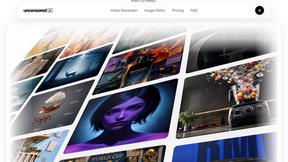
Uncensored AI
AI image creation and editing studio with text prompts, reference images, flexible controls, and clean watermark-free downloads.
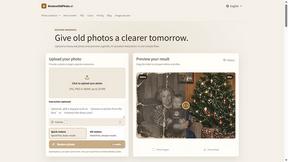
RestoreOldPhoto
Restore old photos with RestoreOldPhoto.ai: repair scratches, creases and fading, sharpen faces and details, and optionally colorize family memories.
AiAgeFilter
Free AI age filter: upload an adult portrait, add 10-40 years, meet your older self. No app needed.
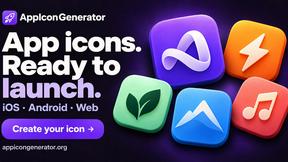
AppIconGenerator
Generate iOS and Android app icons from any image and export all platform sizes for free.
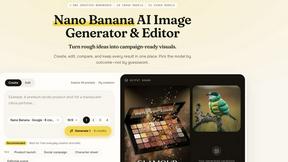
Nano AI
Create and edit AI images, generate videos, and compare models in one creative workbench.
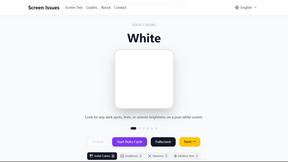
Screen Issues
Free Online Screen Test Tool - Instantly diagnose dead pixels, lines, color issues, and flickering. Multiple test modes, no download needed.
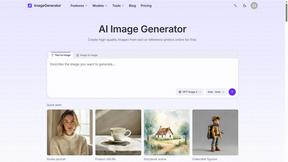
ImageGenerator
Create and edit AI images online with multiple models, text-to-image, image-to-image, background removal, and upscaling.
SightRadar
Face recognition API, a drop-in replacement for AWS Rekognition. Index, search, compare and detect faces, billed per photo with no subscription.
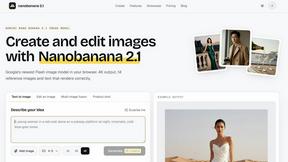
nanobanana 21
Fast, simple image creation and editing with accurate details, readable text, consistent characters, and up to 14 reference images.
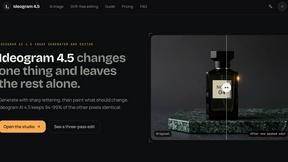
Ideogram 4.5
AI image generation and editing with precise typography, native 2K output, and localized edits.
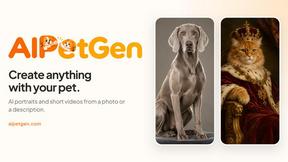
AIPetGen
AIPetGen turns a photo of your dog, cat, or other pet, or a written description, into a new picture or a short animation.
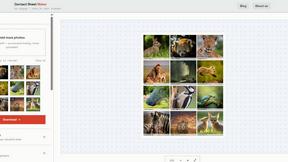
Contact Sheets Maker
Contact Sheet Maker is an online tool that allows photographers to create professional contact sheets and mood boards. It enables users to add waterma
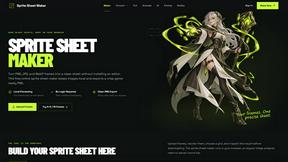
Sprite Sheet Maker
A free browser-based toolkit for creating, cutting, converting, and previewing sprite sheet animations.
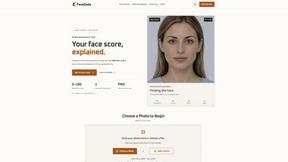
FaceCoda
Free AI attractiveness test and face analysis with private, on-device photo processing.
AIEnhancer
Enhance photos, create images, and generate videos with AI workflows, effects, and production-tested models.
Video2URL
Turn videos, images, and files into secure direct links for sharing, embedding, and automated workflows.

AI Image Editor
Free AI image editor that edits, retouches, and transforms photos with natural-language text prompts.

GPT Image 2 API
GPT Image 2 API generates and edits production-ready images with clear text, reference images, and developer-friendly API workflows.
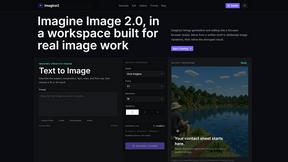
Imagine2
Private browser-based AI image generation and editing with text-to-image, targeted edits, and multi-image references.
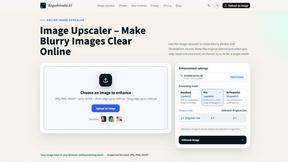
Kogashitsuka AI
An online AI image tool that enhances photos and illustrations at their original size or upscales them by 2x or 4x.
About freeconvert Alternatives
FreeConvert is a cutting-edge online file conversion tool designed to operate directly within your browser, ensuring a seamless user experience while prioritizing privacy and security. As a versatile platform, it allows users to convert a variety of file types, including images, audio, video, and PDFs, all without the need for uploads to external servers. This local processing model appeals to a wide range of users, from students to professionals, who seek efficient and reliable solutions for their file conversion needs. Users often seek alternatives to FreeConvert for various reasons, including specific feature requirements, pricing structures, or platform compatibility. Some may find that their needs extend beyond basic conversion capabilities, prompting them to explore options that offer more robust functionalities or tailored services. When searching for an alternative, it's essential to consider factors such as ease of use, security measures, format support, and whether the solution aligns with your specific workflow demands.
FAQs about freeconvert Alternatives
What is freeconvert?
FreeConvert is an online file conversion tool that allows users to convert files directly in their web browser without uploading them to external servers.
Who is freeconvert for?
FreeConvert is designed for anyone needing efficient file conversion, including students, professionals, creatives, and everyday users.
Is freeconvert free?
Yes, FreeConvert offers its file conversion services free of charge, with no hidden fees or account registrations required.
What are the main features of freeconvert?
FreeConvert features privacy-first local processing, supports over 50 file formats, and provides tools for converting images, audio, video, PDFs, and time zone data.