
Oneprofile vs StatPecker
Side-by-side comparison to help you choose the right product.

Oneprofile
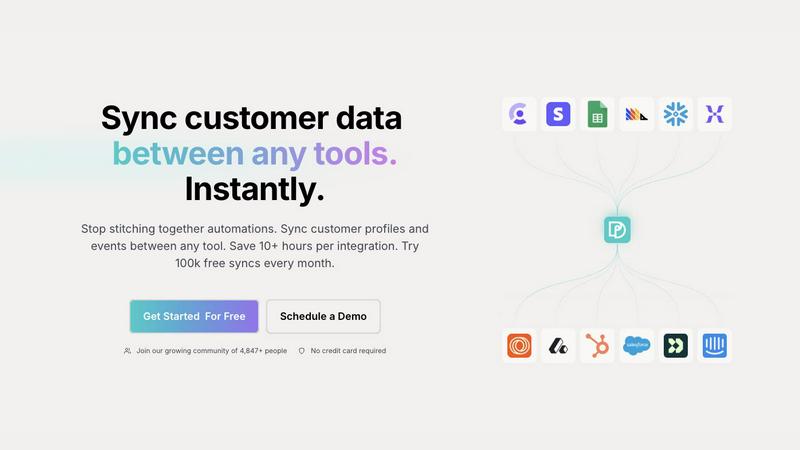
Oneprofile seamlessly syncs customer profiles and events across all your tools, saving you time and ensuring data.
Last updated: February 27, 2026

StatPecker
StatPecker transforms your data into instant, stunning visuals and insights, empowering smarter decisions effortlessly.
Last updated: March 1, 2026
Visual Comparison
Oneprofile
StatPecker
Feature Comparison
Oneprofile
Keep Customer Data Aligned Across Your Stack
Oneprofile simplifies the process of managing customer data by ensuring that all profiles and events stay consistent across every system. This feature helps organizations avoid discrepancies that can arise when multiple tools maintain separate versions of customer records.
Unify Customer Profiles Across Tools
With Oneprofile, businesses can consolidate customer profiles and events from any SaaS tool into a single, coherent model. This unification allows every department to work with the same set of data, which increases collaboration and reduces confusion across teams.
Control How Data Moves Between Systems
Oneprofile provides users with the ability to define how customer data flows between tools. Users can map fields automatically or manually, control sync direction, and dictate how updates propagate across systems, ensuring that the data movement aligns with business operations.
Activate Customer Data Everywhere
This feature allows businesses to use unified customer profiles and events for segmentation and personalization. By syncing enriched data in real time, teams can ensure they have the complete context needed to engage effectively with customers across all platforms.
StatPecker
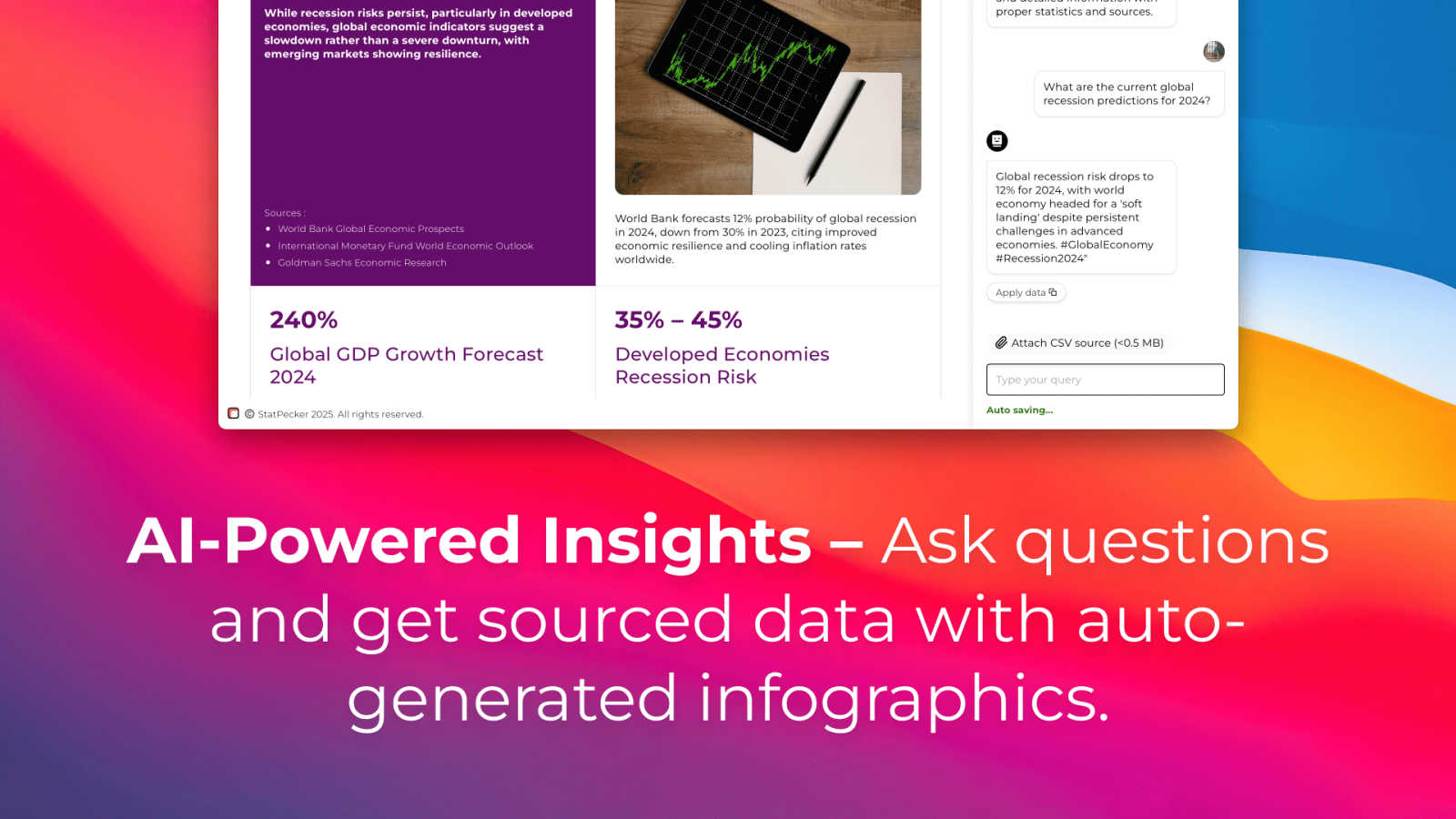
Ask Your Query
StatPecker allows users to obtain instant insights from validated sources using intuitive AI technology. Simply ask your question, and the platform generates relevant visuals without the need for complex tools. This feature simplifies the data exploration process, making it accessible to users at all skill levels.
Publish & Embed
With StatPecker's publishing capabilities, users can make their visuals interactive and effortlessly integrate them into various platforms, including blogs, articles, and websites. This feature ensures that your data stories reach a wider audience and maximize engagement.
Upload & Analyze CSVs
This feature enables users to upload local CSV files of up to 50 MB and extract key insights without the hassle of traditional spreadsheet programs. StatPecker performs on-device analysis, ensuring data privacy while providing rapid, insightful visualizations based on user queries.
Download & Use Anywhere
StatPecker allows users to export their infographics as high-quality images suitable for reports, presentations, or any other application. This flexibility ensures that users can utilize their data visualizations across different media, enhancing the overall impact of their storytelling efforts.
Use Cases
Oneprofile
Streamlining Marketing Campaigns
Marketing teams can leverage Oneprofile to ensure that all customer data is consistent across their marketing platforms. This ensures that campaigns are targeted accurately, leading to higher engagement rates and improved ROI.
Enhancing Customer Support
Customer support teams benefit from having access to up-to-date customer profiles. With Oneprofile, support agents can see the latest interactions and customer history, enabling them to provide more personalized and effective service.
Improving Sales Processes
Sales teams can utilize Oneprofile to maintain accurate customer records that reflect the latest changes. With synchronized data, sales representatives can make informed decisions, follow up appropriately, and close deals more efficiently.
Facilitating Data Analysis
Data analysts can rely on Oneprofile for accurate and consistent data across all systems. This reliability allows for better analysis and reporting, leading to more strategic business decisions based on trustworthy insights.
StatPecker
Content Creation
Content creators can leverage StatPecker to quickly transform statistical data into captivating visuals that enhance their articles and blogs. By streamlining the data visualization process, they can focus on crafting narratives that resonate with their audience.
Marketing Analysis
Marketers can utilize StatPecker to extract trends and insights from campaign performance data, presenting their findings through visually engaging infographics. This feature helps in making data-driven decisions while effectively communicating results to stakeholders.
Academic Research
Educators and researchers can harness StatPecker for visualizing complex datasets in their studies or presentations. The platform enables them to create impactful infographics that simplify intricate information, making it more digestible for students and peers.
Business Intelligence
StatPecker serves as a valuable tool for analysts in the business sector, allowing them to generate quick, credible insights from company data. By facilitating the visualization of key metrics, users can make informed decisions and share findings with team members effortlessly.
Overview
About Oneprofile
Oneprofile is an innovative data synchronization tool designed to streamline the management of customer profiles and events across various platforms, including CRMs, marketing tools, and analytics systems. In a world where businesses often struggle with fragmented customer data, Oneprofile offers a seamless solution that ensures all systems reflect the same customer information in real time. This automatic synchronization eliminates the need for manual data entry and reduces the risk of errors, enabling companies to maintain accurate and consistent customer records. Oneprofile is ideal for businesses of all sizes that rely on multiple software solutions to engage with their customers effectively. By providing a unified view of customer interactions, Oneprofile empowers teams to make data-driven decisions and ultimately enhances the customer experience.
About StatPecker
StatPecker is an innovative AI-powered data visualization platform that revolutionizes the way users transform raw data into dynamic, engaging infographics within seconds. Designed to bridge the gap between intricate datasets and clear, compelling storytelling, it eliminates traditional challenges such as time constraints, high costs, and the need for technical expertise. StatPecker empowers a diverse array of users—ranging from content creators and marketers to analysts and educators—to generate professional-grade visuals instantly. Its core value proposition lies in its iterative and cyclical approach to data insights: users begin with a query or by uploading a CSV file, receive immediate visualizations, and can continuously refine these outputs to better align with their narrative needs. This ongoing cycle of creation and enhancement ensures that every infographic, chart, and graph serves as a powerful communication tool. By prioritizing agility in data storytelling, StatPecker makes sophisticated visual analytics accessible to everyone, removing the reliance on manual design processes or costly software solutions.
Frequently Asked Questions
Oneprofile FAQ
What types of tools can Oneprofile integrate with?
Oneprofile can integrate with a wide range of tools, including CRMs, marketing platforms, support systems, and analytics tools. This versatility allows businesses to keep their customer data synchronized across all their preferred applications.
How long does it take to set up Oneprofile?
Setting up Oneprofile is designed to be quick and straightforward. Most integrations can be completed in minutes without needing extensive engineering resources, saving you time and effort.
Is there a limit to the number of syncs I can perform?
Oneprofile offers a generous plan that includes 100,000 free syncs every month, allowing businesses to efficiently manage their customer data without incurring additional costs.
Can I control the frequency of data synchronization?
Yes, Oneprofile allows users to set custom sync schedules based on their specific needs. You can choose from various scheduling options, including recurring intervals and cron jobs, to streamline your data management processes.
StatPecker FAQ
How does StatPecker ensure data privacy?
StatPecker employs on-device analysis for CSV uploads, meaning that your data remains secure on your device during processing. This approach guarantees that sensitive information is not transmitted or stored on external servers.
Can I use StatPecker for free?
Yes, StatPecker offers a Free Tier that includes unlimited projects, embeds with manual edits, and a limited number of AI queries and CSV uploads. This allows users to explore the platform without any financial commitment.
What types of files can I upload to StatPecker?
Users can upload CSV files of up to 50 MB in size. This capability allows for the analysis of substantial datasets, enabling users to extract meaningful insights efficiently.
How can I export the visuals I create?
StatPecker allows users to export their infographics as high-resolution images that can be used in reports, presentations, or shared across various platforms. This feature enhances the versatility of the visuals created within the platform.
Alternatives
Oneprofile Alternatives
Oneprofile is a powerful tool designed to synchronize customer profiles and events across multiple platforms, ensuring that all systems reflect the most accurate and up-to-date information. As part of the Analytics & Data category, Oneprofile eliminates the challenge of managing disparate customer data by automatically keeping it in sync among CRMs, analytics tools, support systems, and marketing platforms. This seamless integration allows businesses to maintain a unified view of their customers, enhancing decision-making and operational efficiency. Users often seek alternatives to Oneprofile for various reasons, including pricing concerns, specific feature requirements, or the need for compatibility with their existing platforms. As businesses evolve, their data management needs can shift, prompting the search for solutions that better align with their objectives. When evaluating alternatives, consider factors such as ease of integration, the breadth of features offered, scalability, and overall cost-effectiveness. A thoughtful assessment of these elements will help ensure that you choose a solution that supports continuous improvement and meets your organization's unique requirements.
StatPecker Alternatives
StatPecker is an innovative AI-powered data visualization platform that transforms raw data into engaging infographics quickly and efficiently. As a dynamic tool in the analytics and data category, it caters to users looking to bridge the gap between complex datasets and clear storytelling without requiring extensive technical skills. Users often seek alternatives due to various reasons, including pricing concerns, specific feature requirements, or compatibility with their existing platforms and workflows. When choosing an alternative, it's essential to consider factors such as ease of use, the ability to integrate with other tools, and the flexibility to adapt to different data types and visualization needs.