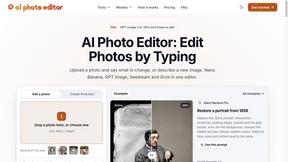
AI Photo Editor
An online AI photo editor where you type what you want. Remove objects, swap backgrounds, restore old photos and restyle portraits.

An online AI photo editor where you type what you want. Remove objects, swap backgrounds, restore old photos and restyle portraits.
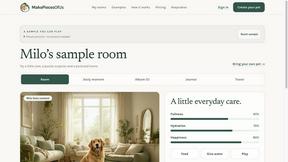
MakePiecesOfUs makes a virtual pet room from a real photo, with free photo books and puzzles plus optional scenes and postcard journeys.
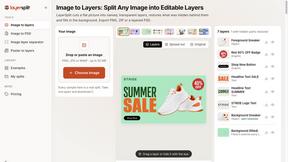
Split a flat image into named, transparent layers with the background filled in. Export PNG files, a ZIP or a layered PSD. Your first split is free.
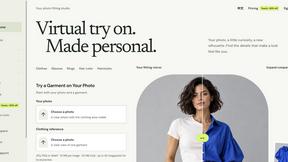
Try on clothes, glasses, rings, hairstyles, and hair colors on your own photos with AI.
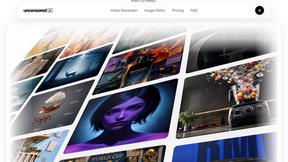
AI image creation and editing studio with text prompts, reference images, flexible controls, and clean watermark-free downloads.
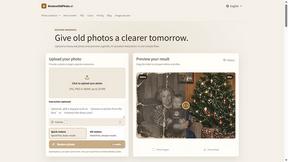
Restore old photos with RestoreOldPhoto.ai: repair scratches, creases and fading, sharpen faces and details, and optionally colorize family memories.
Free AI age filter: upload an adult portrait, add 10-40 years, meet your older self. No app needed.
Prepare platform-specific app icon exports from one image, with live previews and local browser processing for resizing and ZIP downloads.
Generate and edit images using 20 models, with a unified credit balance, saved results, and 23 video models in the same workbench.
Screen Issues combines a free browser-based screen test with practical guides for identifying common display defects on phones and computers.
Create and edit AI images online with multiple models, text-to-image, image-to-image, background removal, and upscaling.
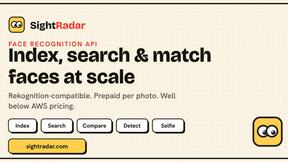
Face recognition API, a drop-in replacement for AWS Rekognition. Index, search, compare and detect faces, billed per photo with no subscription.
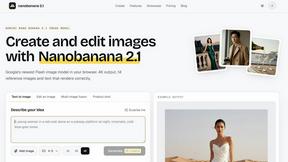
Fast, simple image creation and editing with accurate details, readable text, consistent characters, and up to 14 reference images.
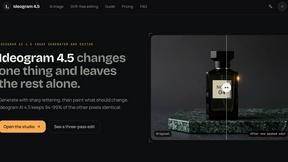
AI image generation and editing with precise typography, native 2K output, and localized edits.
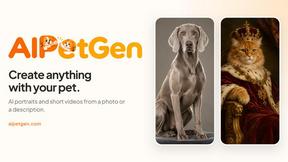
AIPetGen is a pet-focused AI studio for making portraits, custom image scenes, and short animations from photos or text prompts.
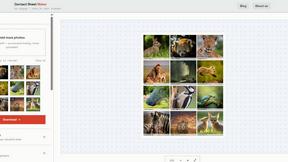
Contact Sheet Maker is an online tool that allows photographers to create professional contact sheets and mood boards. It enables users to add waterma
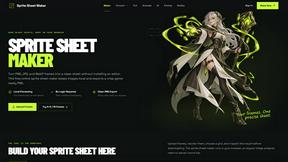
A free browser-based toolkit for creating, cutting, converting, and previewing sprite sheet animations.
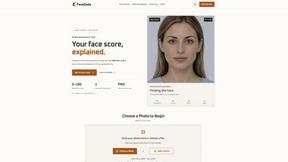
Free AI attractiveness test and face analysis with private, on-device photo processing.
Enhance photos, create images, and generate videos with AI workflows, effects, and production-tested models.
Sketch To is an innovative AI-powered creative platform that belongs to the image and photo category. It specializes in transforming images into artistic sketches and enhancing hand-drawn sketches into photorealistic images. Users often seek alternatives to Sketch To for various reasons, such as pricing, specific features, or compatibility with their preferred platforms. The need for diverse functionality, user-friendly interfaces, and different pricing models can drive this search. When choosing an alternative, it's essential to consider several factors, including the quality of output, the range of artistic styles available, ease of use, and whether the platform offers a free model or trial period. Users should also evaluate the flexibility of the tool in supporting an iterative creative process, as this can significantly enhance their artistic workflow.
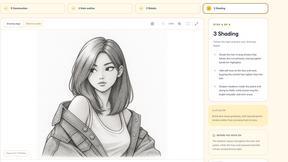
Sketch To is an AI-powered creative platform that transforms images into artistic sketches and enhances simple drawings into photorealistic images.
Sketch To is designed for everyone, from hobbyists and students to professional artists and commercial designers.
Yes, Sketch To offers a high-quality, always-free standard model alongside an optional Professional model for advanced needs.
Key features include dual AI power for bidirectional conversion of images and sketches, a commitment to accessible creativity, and a flexible credit system for users.