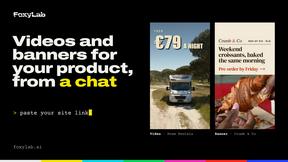
FoxyLab
FoxyLab turns chat prompts into product videos and banners, with browser editing, multiple export sizes and an API for automated creative work.

FoxyLab turns chat prompts into product videos and banners, with browser editing, multiple export sizes and an API for automated creative work.
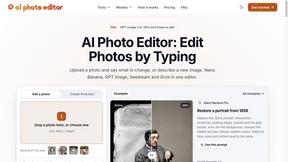
An online AI photo editor where you type what you want. Remove objects, swap backgrounds, restore old photos and restyle portraits.
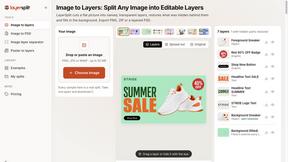
Split a flat image into named, transparent layers with the background filled in. Export PNG files, a ZIP or a layered PSD. Your first split is free.

Smart online AI video generator transforming prompts and photos into dynamic video clips.
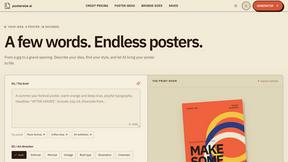
AI-powered poster and image creation tool for polished visuals.
Check your screen display for dead pixels using White screen or black screen checkers.
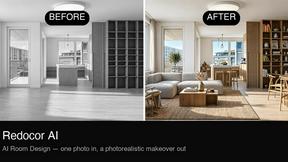
Browser-based studio for creating bold, dimensional metal lettering with steel, copper, chrome, and brushed-alloy controls.
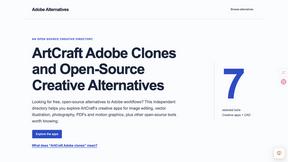
Find open-source creative software by workflow, platform and development stage.
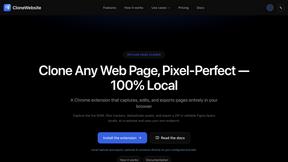
CloneWebsite turns Chrome webpages into local projects with an offline workbench, self-contained ZIPs, and Figma layers.

A human-tested directory of new software, AI apps, and dev tools. Tested by real people, ranked by honest community votes.
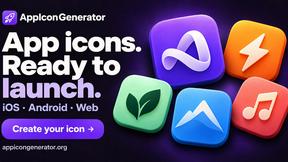
Prepare platform-specific app icon exports from one image, with live previews and local browser processing for resizing and ZIP downloads.
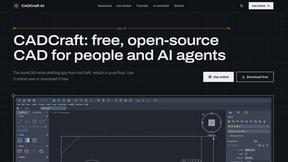
Free open-source 2D CAD in Rust for precision drafting, layers, dimensions, DWG/DXF, and AI-assisted automation on desktop and web.
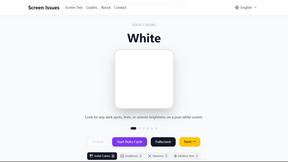
Screen Issues combines a free browser-based screen test with practical guides for identifying common display defects on phones and computers.
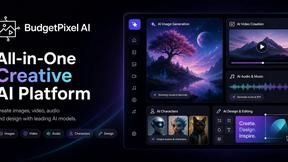
Create and edit AI images, videos, music, and designs in one workspace, with multiple models, reusable characters, and API access.
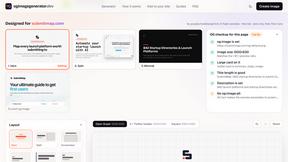
Create on-brand Open Graph images from a URL, edit the design, and download it or use a hosted image link.
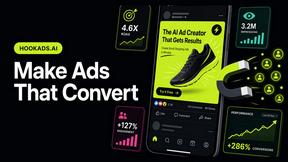
Free ad creative hub: 1,750+ prompts behind viral AI ads, 118 hook frameworks, teardowns, swipe files and 27 free AI tools.
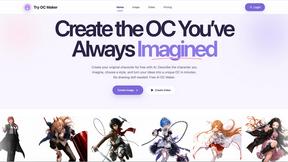
Create OCs from text or images, customize their look, and turn them into animated videos with AI.
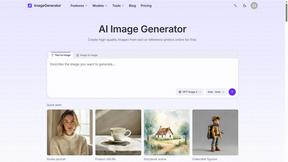
Create and edit AI images online with multiple models, text-to-image, image-to-image, background removal, and upscaling.
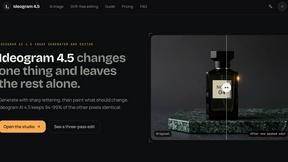
AI image generation and editing with precise typography, native 2K output, and localized edits.
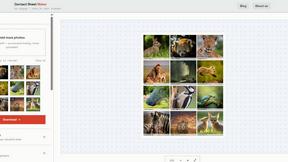
Contact Sheet Maker is an online tool that allows photographers to create professional contact sheets and mood boards. It enables users to add waterma
Image3D AI is a groundbreaking tool in the realm of design, specifically tailored for transforming 2D images into high-quality 3D models. It caters to a wide spectrum of users, from 3D printing aficionados to aspiring game developers. However, as users explore the capabilities of Image3D AI, they often find themselves seeking alternatives due to various factors, such as pricing structures, specific feature sets, or compatibility with different platforms. When searching for an alternative, it’s essential to consider several key aspects, including the ease of use, versatility in output formats, and the quality of generated 3D models. Additionally, users should evaluate whether the alternative provides sufficient support for their specific creative needs and project requirements, ensuring a smooth transition and continued productivity in their creative endeavors.
Image3D AI is a professional tool that converts 2D images into high-quality 3D models using artificial intelligence.
Image3D AI is designed for a broad audience, including 3D printing enthusiasts and novice game developers.
The information regarding pricing for Image3D AI is not specified; users should check the official website for details.
Main features include multi-format export, PBR material generation, dual modes for speed and precision, and advanced parameters for customization.